- September 21, 2026 11:35 am
- by Aruthra
- September 21, 2026 11:35 am
- by Aruthra
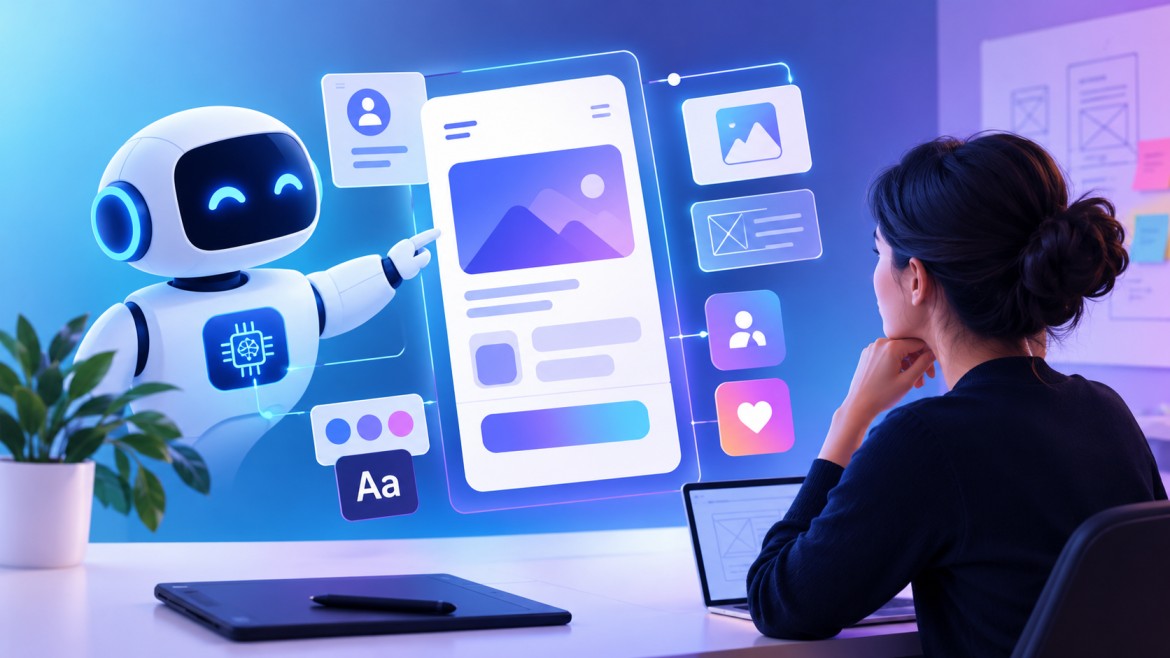
A few years back, most UI/UX work started with sticky notes and a handful of user interviews, then a lot of guessing after that. Some of that hasn't changed. What has changed is what happens next: AI now sits in on the research and design process itself, catching things in usage data that would take a human days to spot. A UI/UX development company that treats this as optional right now is setting itself up to fall behind on turnaround time alone. Clients aren't just asking for a good looking screen anymore, they're asking for proof it will actually convert before it ships. Below is a look at where AI is already doing real work in UI/UX design, what that means if your business is trying to hire UI/UX designers this year, and where things seem to be headed.
Research used to eat up weeks. Interviews had to be scheduled, transcribed, and picked apart by hand, one theme at a time. AI in UI/UX development has cut that cycle down dramatically. Feed it thousands of session recordings and it will flag the exact moments users hesitate or bail out, usually within minutes.
That doesn't mean research got lazier. It got faster. Sentiment clustering pulls emotional tone out of survey responses without a human reading every one first. Designers still make the call on what matters, they just start from a much clearer picture.
Design work benefits too, not just research. Give a generative tool a brief and it will spit back a handful of wireframe directions to react to, instead of starting from a blank canvas. Some teams go further and run predictive models against those options before anyone builds a thing, to see which layout might hold up before a real user does.
There's a competitive angle here as well. AI can scan a handful of competitor products, pull out common navigation patterns, and flag where an interface is behind the curve, which used to take days of manual comparison. None of this replaces judgment. It just clears out the tedious first pass so the judgment part gets more attention.
Accessibility checks have gotten the same treatment. Color contrast, tap target size, screen reader support, checks like these can now run in the background during the build instead of turning into a last minute fire drill before launch. Personalization has shifted too. Instead of designing for a persona on paper, tools now adjust to what someone actually clicks, scrolls past, or ignores. A manual process was never going to keep pace with that at any real scale.
The clearest payoff is speed, showing up early in a project. Shorter research and design cycles mean products hit the market sooner. For a UI/UX development company in India serving clients across several time zones, that speed difference is often the whole pitch: fast iteration without cutting corners on quality. What used to take weeks between concept and a testable prototype can now take days.
There's a hiring angle too. When a company sets out to hire UI/UX designers now, knowing a design tool inside and out is not really the bar anymore. What matters more is a willingness to hand off the repetitive parts, resizing assets, icon variations, to AI, freeing time for hierarchy, tone, and flow. That combination tends to lower costs without dragging quality down with it.
Scale matters here too. A UI/UX development company juggling several client accounts at once can standardize a lot of the repetitive design system work through AI, freeing senior designers for the work clients actually pay for. It's the same calculation an in-house team faces when deciding whether to hire UI/UX designers directly or bring in outside support for a specific push.
And the decisions themselves get better. An AI UI/UX development company in India can run several interface variations against real usage data before locking anything in, instead of guessing and fixing it after launch, which is the expensive way to learn a design did not work. That's really the whole reason more businesses are treating AI as a standard part of the process now instead of a side experiment worth trying once.
Where does this go next? Probably not toward AI replacing designers, whatever the more breathless headlines suggest. It looks more like a real partnership: interfaces that reshape themselves around a specific user in real time, based on behavior, accessibility needs, or even just what device they happen to be holding.
Talking through an idea out loud, or sketching with a gesture instead of dragging boxes by hand, will probably become normal ways to work with these tools. Whichever UI/UX development company adapts fastest here will likely be the one using AI for research and rough prototyping while still putting a person in charge of anything that needs actual taste or context, since these systems still lack it.
Expect design and engineering to blur together more as well. Turning a rough prototype straight into usable code or a spec sheet cuts out a lot of the handoff friction that slows launches down right now.
One more thing worth watching is privacy. These tools run on behavioral data, and users are getting more aware of that. Companies that bake in consent and transparency now, instead of bolting it on after a complaint, will keep people's trust more easily later.
AI has not taken UI/UX design away from designers. What it has done is change what a solid process looks like day to day, from research through prototyping and testing. Teams that hire UI/UX designers who are genuinely comfortable working alongside these tools, or that go with a UI/UX development company like Vofox already built around this workflow, are simply going to ship faster. That gap is only going to widen from here. Might be worth asking where your own process stands.
Q1: How is AI changing modern UI/UX design?
A: It's mostly cutting down the time between having a hunch and having proof. AI can work through user behavior data at scale, catch usability problems early, and generate design options for a designer to react to. So the human eye ends up on the calls a machine cannot make.Q2: What are the benefits of using AI in UI/UX design?
A: Speed and better data, mostly. Teams try out more ideas before anything goes live, catch accessibility gaps early instead of scrambling before launch, and personalize an interface in ways manual design cannot.Q3: Can AI replace UI/UX designers?
A: Not in practice, no. It handles the repetitive, data heavy grind well. It is still not great at the parts that actually make design good: tone, context, empathy for a frustrated user. Most teams use AI as backup, not a replacement.Q4: How does AI improve user experience?
A: By reacting to what a person actually does instead of guessing. It personalizes interfaces on the fly, flags where people are likely to get stuck, and catches accessibility problems before real users run into them. The result tends to be less friction and fewer dead ends along the way.Q5: What is the future of AI in UI/UX design?
A: Interfaces that adapt on the fly, more voice and gesture driven tools, and a much tighter back and forth between designers and AI systems. If you are about to hire UI/UX designers or choose a UI/UX development company to partner with, ask how comfortable they already are working that way. That is usually a decent signal for who moves fastest.Guaranteed Response within One Business Day!
How AI Agents Are Creating New Opportunities for Software Outsourcing Companies

Why Businesses Are Choosing Software Outsourcing Companies in India for AI Development
The Role of Generative AI in Modern Software Outsourcing
The Role of AI in Modern UI/UX Design
How AI Is Transforming UI/UX Design and Development in 2026

Guaranteed Response within One Business Day!